Square Golf
For a dedicated indoor bay with a side-on monitor. Start with a mat and containment plan, then decide whether a display or projection is worth the extra spend.

Start with the main planning guide: Golf simulator room size guide.
Editorial update: . Retailer prices and availability are checked separately.
Measure around the garage door and services first. Then choose a retractable practice bay or permanent projected room that fits the usable space.
Check room suitability first. Measure beneath beams and door tracks, allow impact clearance and verify your swing from the finished mat. Check my garage →
Choose around the space you can safely use after allowing for the garage door, beams, storage and screen clearance. These are planning routes, not a promise that any particular garage fits.
For a dedicated indoor bay with a side-on monitor. Start with a mat and containment plan, then decide whether a display or projection is worth the extra spend.
For portable practice when the garage has enough tracking depth. Verify the chosen model’s layout and use a safe, repeatable position each session.
For a higher-budget home setup where the built-in screen is useful. Separate standalone practice or supported on-device play from a projected third-party software build.
Start with usable space, not the monitor. A compact camera unit can reduce tracking depth, but it cannot make an unsafe swing fit. Garage doors, beams, storage and screen stand-off all reduce the room you can use.
| Your garage | Start with | Main compromise |
|---|---|---|
| Shared with a car or storage | Retractable net or screen, movable mat and a marked setup position | Allow time to reset and align the monitor; keep cables out of walkways. |
| Short, dedicated hitting bay | Side-on camera shortlist: Square Home, Square Omni or ST MAX | Leave width for the golfer and monitor; move the unit for mixed handedness. |
| Deep garage plus outdoor practice | Consider radar only after verifying that model’s monitor-to-ball and ball-flight requirements | Depth used for tracking is unavailable for storage or circulation. |
| Permanent PC-based studio | Assess Eye Mini Lite with PC, wired connection and software included in the plan | Mains power and PC requirements are part of the purchase. |
A nominal 3 × 3 m area is not a universal approval for full swings. Your height, swing, club and equipment can change what fits. If full swings do not fit safely, plan restricted practice rather than forcing a full simulator.
A net-and-tablet practice bay avoids a projector and gaming PC only when your chosen software supports that route. A projected room adds the screen, enclosure/protection, projector and mounting, plus a suitable computer where needed. A complete package must list every included component.
Planning advice updated 5 October 2026. Confirm the chosen equipment’s current installation requirements before ordering.
For this simulator journey we prioritise complete packages. Individual launch-monitor shopping belongs in our separate Launch Monitors section.
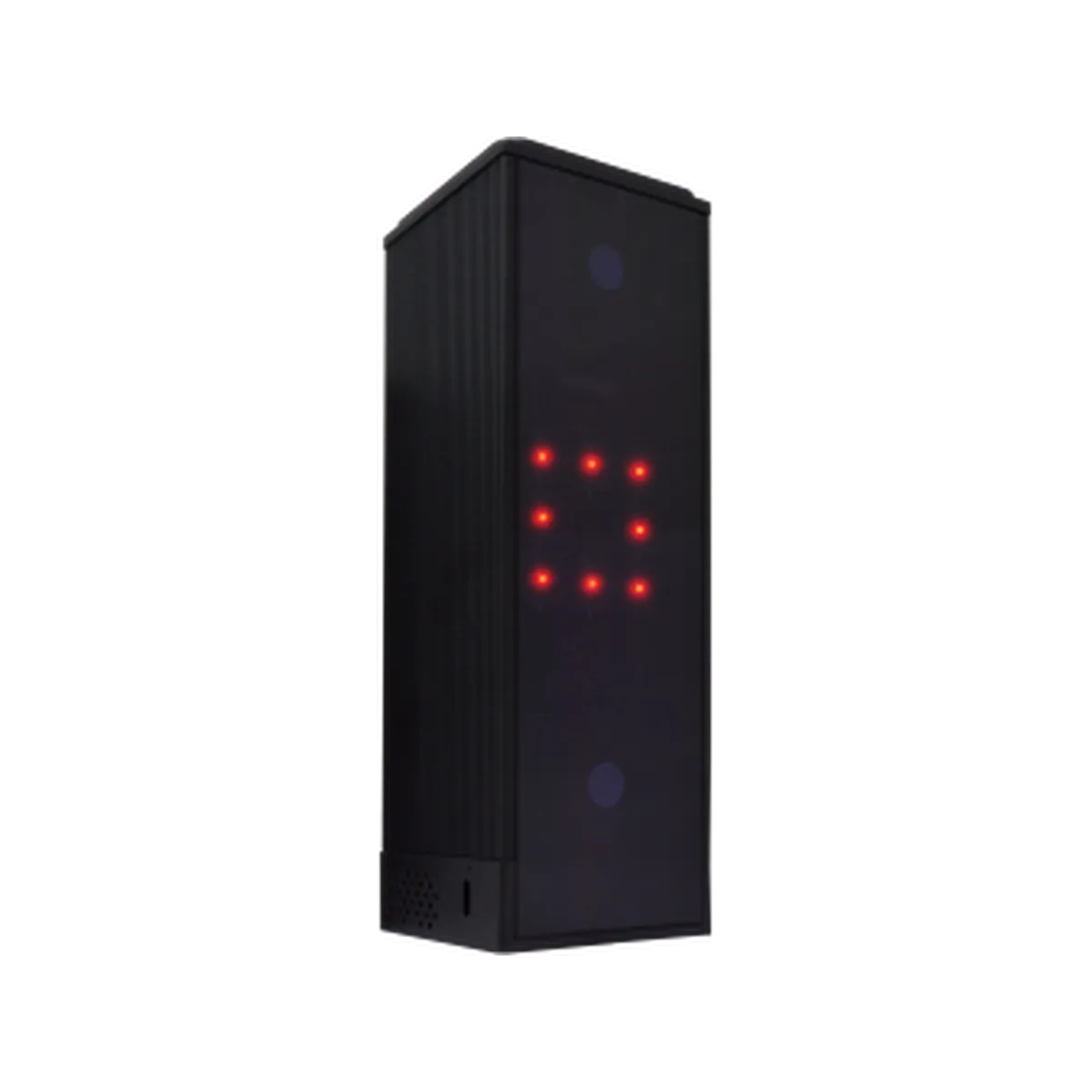 Best value indoorsSquare Golf Home Simulator BundleCompact camera-based choice for a dedicated garage.Typical price £2,500–£4,000Review the launch monitor →
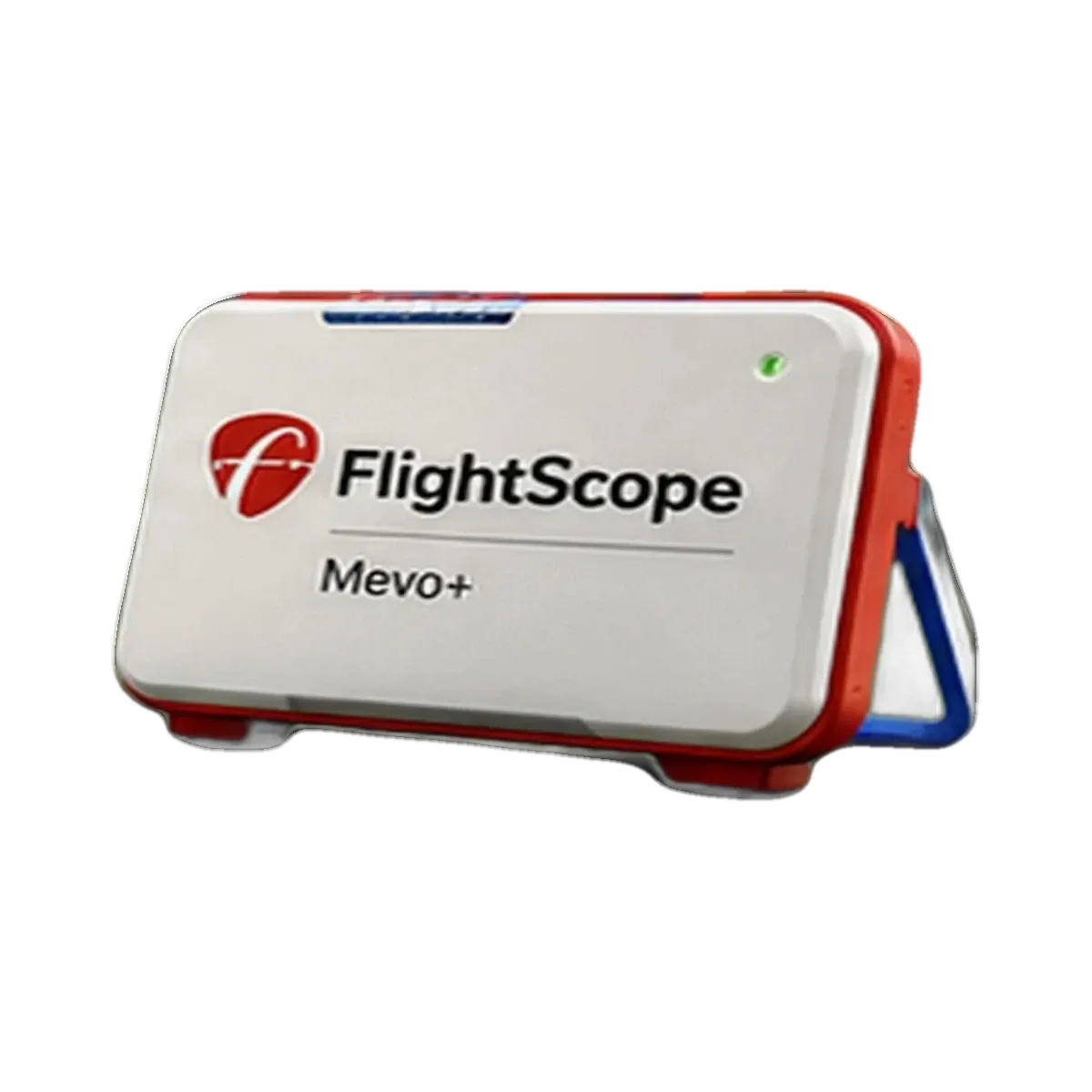 Best flexible radar routeFlightScope Mevo Gen2 simulator setupFor garages with sufficient depth and golfers who also practise outdoors.From about £2,000Review the launch monitor →
A garage can appear large enough while door tracks, storage, damp or a cold concrete floor make the intended installation unsuitable. Do not order equipment from nominal room dimensions.
Measure below open-door tracks, beams, lights and garage-door motors—not the nominal ceiling.
Protect electronics and turf from damp, condensation and winter temperature swings.
Insulate cold concrete and keep the stance level with a joint-friendly strike surface.
Decide whether the enclosure, screen and mat must retract when golf ends.
Plan safe sockets, lighting, ventilation and reliable connectivity before installation.
Consider impact noise, projector fans and late-evening use before finishing the room.
Prioritise repeatable setup, safe containment and storage. A net or retractable enclosure can make more sense than permanent projection.
See the portable budget routePlan insulation, turf, screen, projector geometry, computer, ventilation and electrical work as one installation.
See the projected-room routeUse dated budget ranges rather than relying on a fixed shopping list. Prices, package inclusions and room preparation costs change.
For a garage with sufficient radar depth, compare these verified core products only after the room checks are complete. They are launch monitors, not complete room packages.
A portable radar route for a garage that provides the required space behind and in front of the ball.
A video-led portable alternative where current device, membership and radar-placement requirements are acceptable.
These are planning examples, shown with example finished-room configurations so you can compare the type of setup rather than isolated hardware. Choose a practice bundle if you only need a monitor plus net/screen, or a complete simulator for an enclosure-and-screen room.
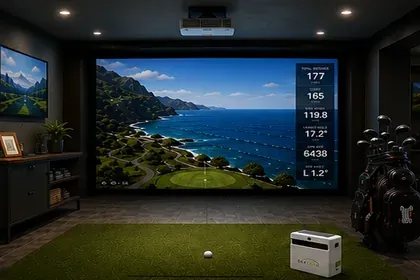
Best compact indoor value route
Bundles at SimSpace Golf: the launch monitor with a net, or with an enclosure and impact screen in several room sizes. A projector, PC or software is usually extra.
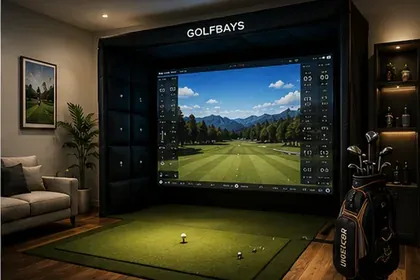
Best low-cost radar route when the room has enough depth
Bundles at SimSpace Golf: the launch monitor with a net, or with an enclosure and impact screen in several room sizes. A projector, PC or software is usually extra.
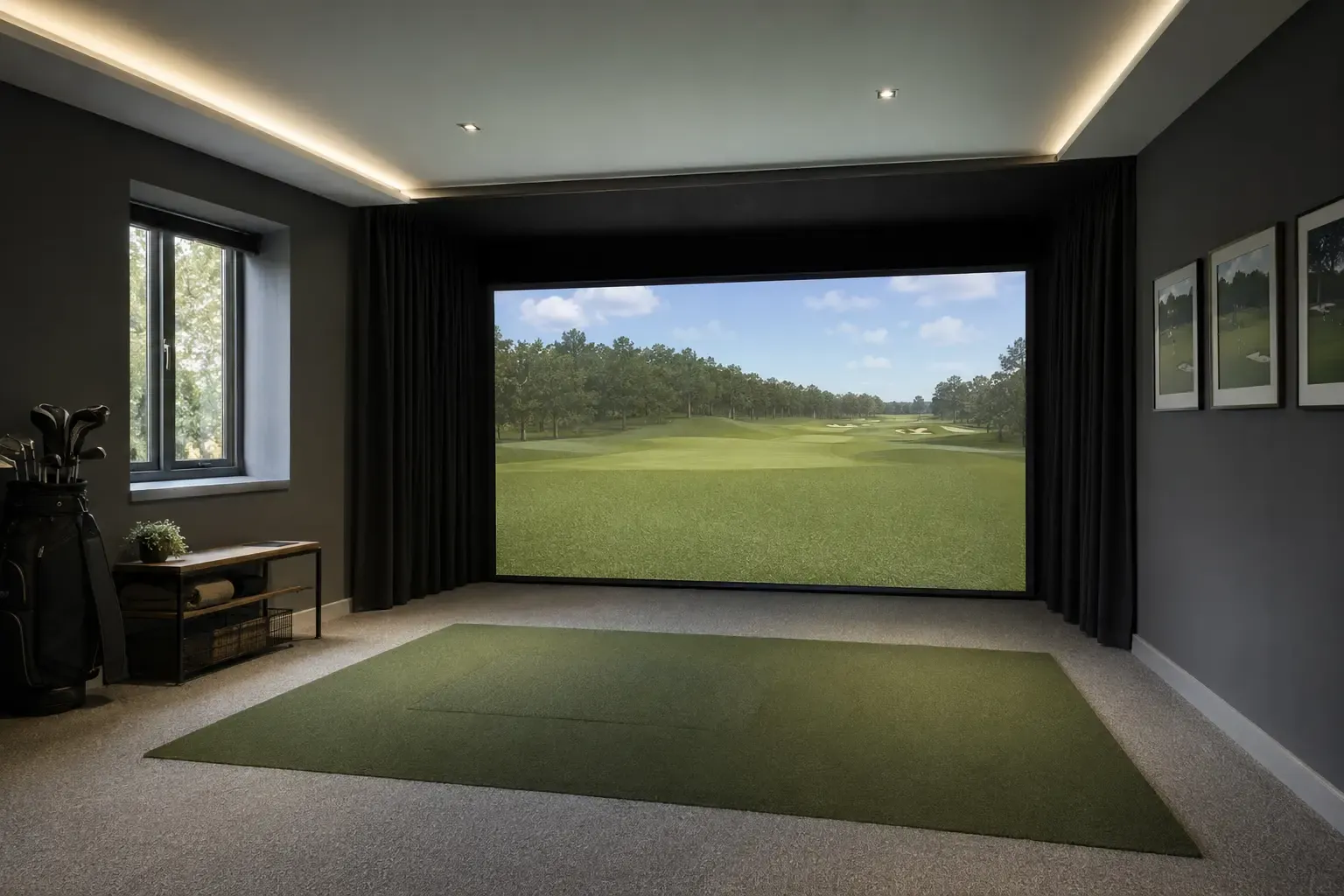
Best video-led starter package
Bundles at SimSpace Golf: the launch monitor with a net, or with an enclosure and impact screen in several room sizes. A projector, PC or software is usually extra.
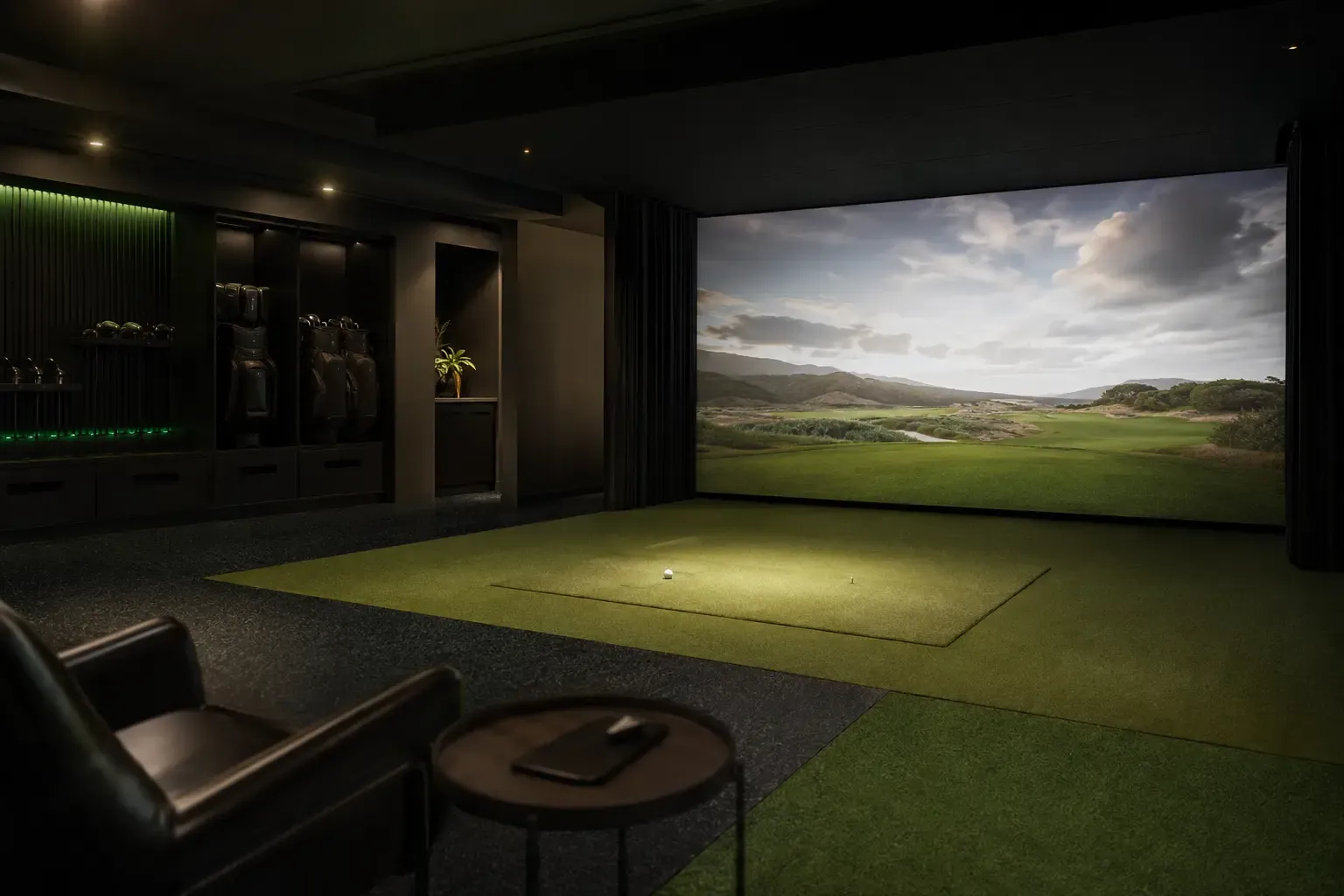
Best radar upgrade for practice depth
Bundles at SimSpace Golf: the launch monitor with a net, or with an enclosure and impact screen in several room sizes. A projector, PC or software is usually extra.
Prices and availability can change. Use the links to check the latest package contents and current price at SimSpace Golf.
Start with the complete planning guide, then verify room dimensions and total cost before choosing hardware.