Core launch monitor
Garmin Approach R10
Best where portability and broad simulator use matter and the room provides sufficient radar depth.

A realistic portable practice bay using a launch monitor, safe net and proper hitting mat rather than pretending this budget buys a permanent projected studio.
For this simulator journey we prioritise complete packages. Individual launch-monitor shopping belongs in our separate Launch Monitors section.
Garmin Approach R10 launch monitor (core of the £1,499 setup) → Square Golf Home launch monitor (core of the £1,699 setup) → Rapsodo MLM2PRO launch monitor (core of the £1,624 setup) →Not sure? Enter your room dimensions →Prices and availability change. Treat this as an allocation framework and confirm every current product requirement before ordering.
At this budget, prioritise safe containment and a good mat. Use a phone or tablet display initially and add projection later.
Best where portability and broad simulator use matter and the room provides sufficient radar depth.
A strong alternative for golfers who value video-led practice and can meet its device, subscription and placement requirements.
| Part | Planning allowance | What matters |
|---|---|---|
| Launch monitor | £450–£750 | Exact model, subscription and compatible device |
| Quality net and side protection | £350–£650 | Ball containment and room safety |
| Hitting and stance mat | £300–£600 | Joint protection and stable stance |
| Lighting, cabling and accessories | £100–£250 | Safe, tidy daily use |
| Contingency | Remaining budget | Delivery and room preparation |
These are planning examples, shown with example finished-room configurations so you can compare the type of setup rather than isolated hardware. Choose a practice bundle if you only need a monitor plus net/screen, or a complete simulator for an enclosure-and-screen room.
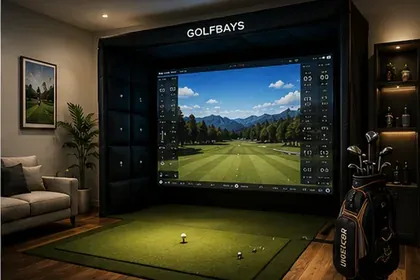
Best low-cost radar route when the room has enough depth
Bundles at SimSpace Golf: the launch monitor with a net, or with an enclosure and impact screen in several room sizes. A projector, PC or software is usually extra.
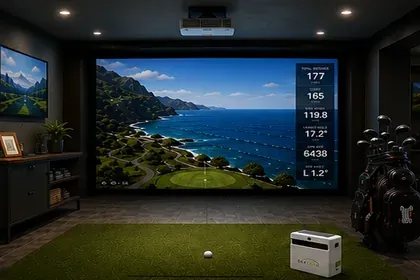
Best compact indoor value route
Bundles at SimSpace Golf: the launch monitor with a net, or with an enclosure and impact screen in several room sizes. A projector, PC or software is usually extra.
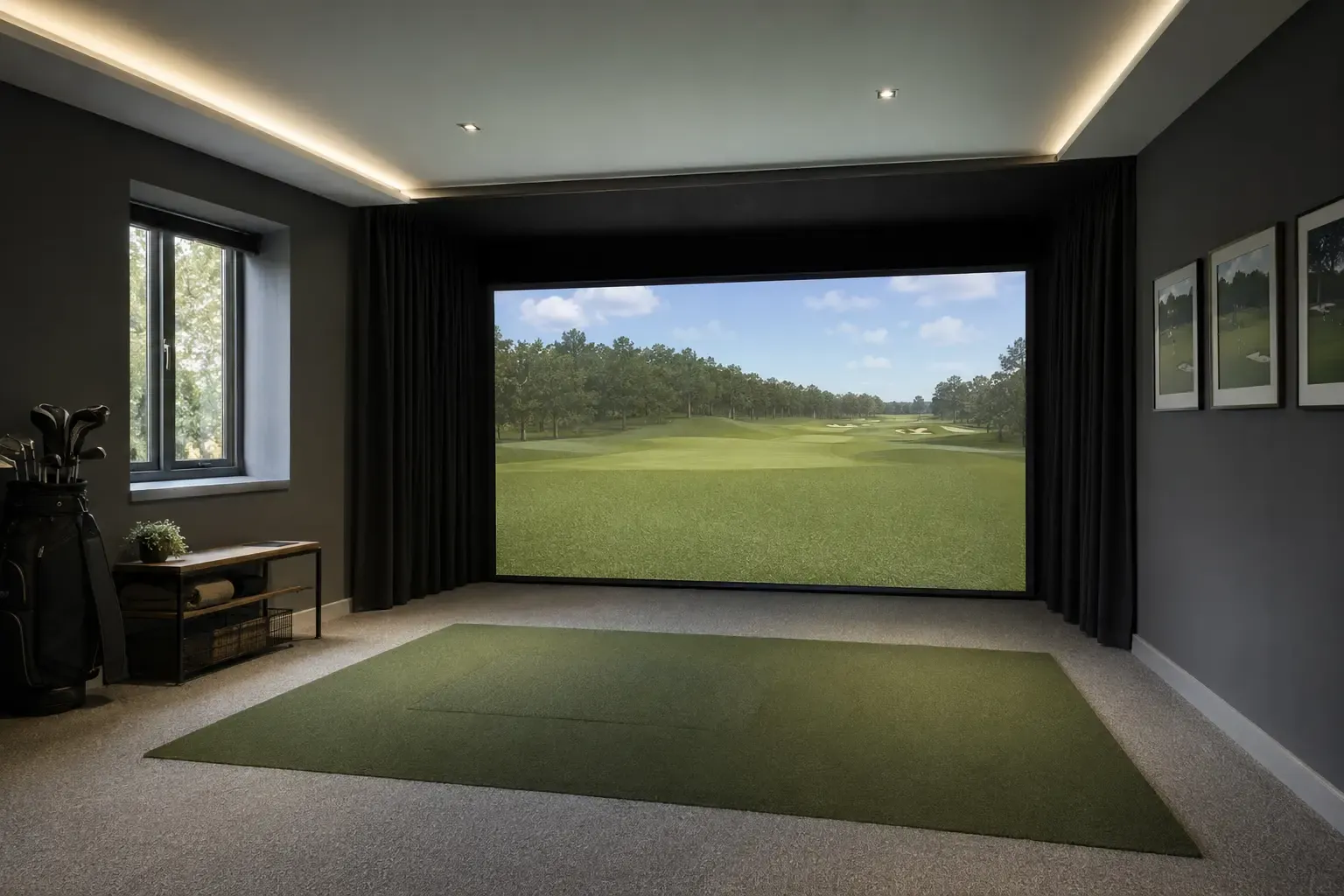
Best video-led starter package
Bundles at SimSpace Golf: the launch monitor with a net, or with an enclosure and impact screen in several room sizes. A projector, PC or software is usually extra.
Prices and availability can change. Use the links to check the latest package contents and current price at SimSpace Golf.
Work through the decisions in the order that prevents expensive mistakes: space → budget → tracking → room components → software.