Search reviews, buying guides, comparisons and golf technology.
UK simulator buying decision
Garmin R50 vs SkyTrak ST MAX: which fits your UK simulator?
Editorial update: . Retailer prices and availability are checked separately.
Choose Garmin R50 when a built-in screen and standalone Home Tee Hero play are worth the extra hardware spend. Choose SkyTrak ST MAX when you already have a compatible device and want more of your budget available for the room.
Some retailer links earn us a commission at no extra cost to you. Our verdict is independent of the retailer. How our links work. Package contents and current prices must be confirmed before ordering.
The differences you will notice
Buying decision
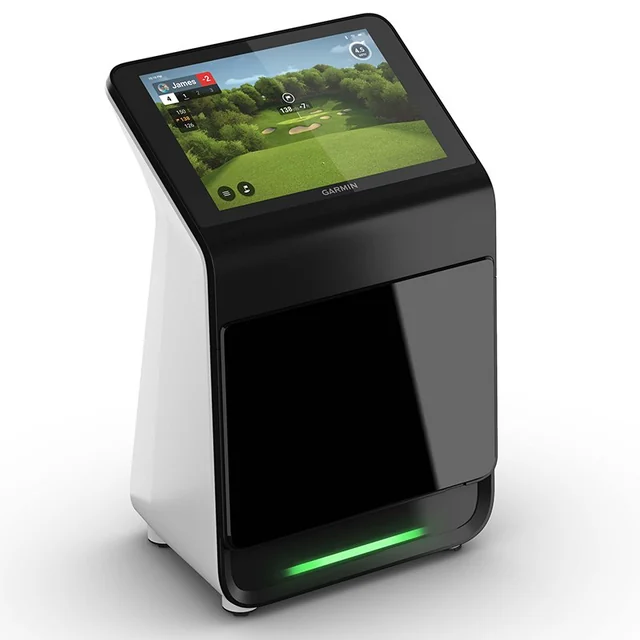
Garmin Approach R50
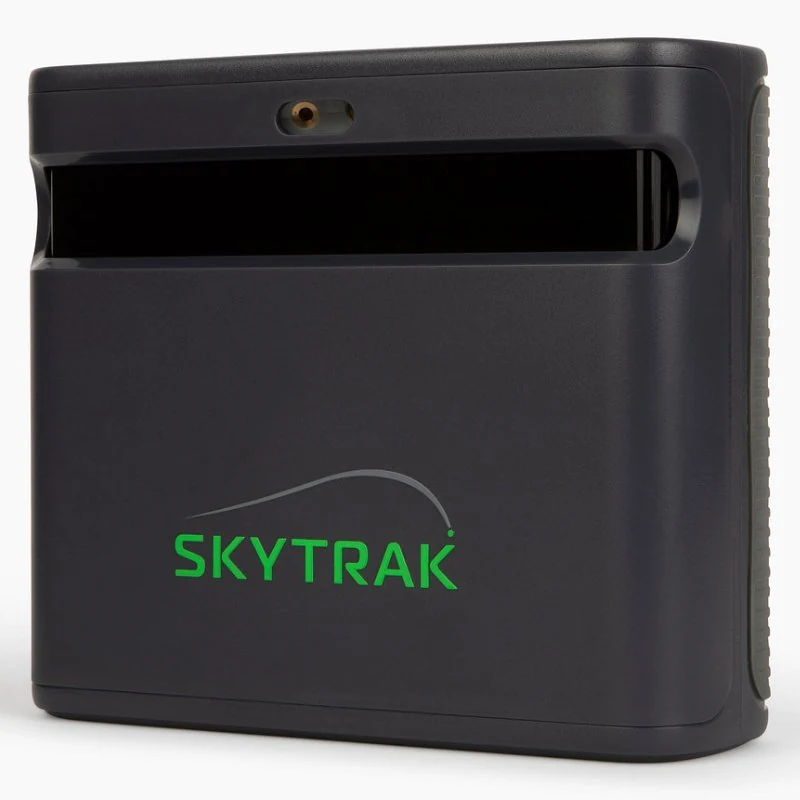
SkyTrak ST MAX
Everyday use
Built-in screen for viewing feedback and managing supported play.
Use a separate compatible device for your chosen SkyTrak workflow.
Placement
Beside the ball; plan a safe position on either side.
Beside the ball; confirm hitting-zone and device clearances.
Software
Home Tee Hero needs Garmin Golf membership. Check computer needs for third-party golf.
Check the exact membership tier, compatible device and renewal terms for your chosen software.
Included equipment
Check the monitor offer separately from room equipment.
Check any bundled software period; do not assume every retailer offer includes it.
Mixed handedness
Allow for repositioning between left- and right-handed players.
Allow for repositioning and safe placement on both sides.
Check the room before the price
Both are side-on options. They avoid the rear tracking layout of a Garmin R10, but neither makes an unsafe swing fit. Check your longest club, usable width, hitting position and the screen supplier’s clearance. Mixed-handed households need a workable position on each side of the ball.
For R50, separate Garmin’s on-device Home Tee Hero route from PC-based third-party play. For ST MAX, record the device and membership required by the exact software you intend to use. Ask what works after any included software period expires.
Use current UK quotes including VAT. Choose either the monitor-only quote plus separate parts, or a bundle quote plus its missing extras. Do not count the same monitor, mat or screen twice. Enter £0 only for a suitable item you own or a cost that genuinely does not apply.
Your entries are estimates, not live offers, and are not sent with our analytics events. Include delivery, building work and other one-off extras under additional room costs. Totals assume unchanged annual costs and exclude anything you have not entered.
If the room and complete budget work, open the exact product’s buying options. Confirm model, package contents, UK warranty, delivery and recurring software terms before ordering.
No. Its convenience matters most when you will use the built-in workflow. Compare the same usable room and software route before deciding.
Can either monitor replace a complete simulator package?
No. A monitor offer must be checked separately from the mat, net or screen, projector, computer and installation you need.
Sources and assessment
Product and software facts are checked against the manufacturer information below. The recommendation is Golf Gear Lab’s editorial judgement about the intended setup; manufacturer specifications do not establish comparative accuracy.
Manufacturer information checked 7 October 2026. Confirm the current UK offer and licence before purchasing.
What to compare before you buy
Use the same order for both products: current UK price → subscriptions/software → required accessories → first-year cost → three-year cost → space or setup requirements → everyday use → best suited to. A cheaper product is not automatically the lower-cost choice once recurring fees and missing equipment are included.
How we compare: Golf Gear Lab combines manufacturer specifications and manuals with independent specialist testing, owner experience, software and subscription requirements, and practical UK buying constraints. Affiliate availability does not determine the verdict.

 GGL 94/100