FlightScope Mevo Gen2 vs Garmin Approach R10
The R10 is the long-running value benchmark at around £449–£480. Mevo Gen2 is FlightScope’s current model at about £1,199, with a bigger published data set and no required subscription. The question is whether that extra data is worth roughly £750 to you.
Published 27 September 2026. Specifications are the manufacturers' published figures; UK prices are from approved retailer listings checked 27 September 2026 and can change.
Quick verdict
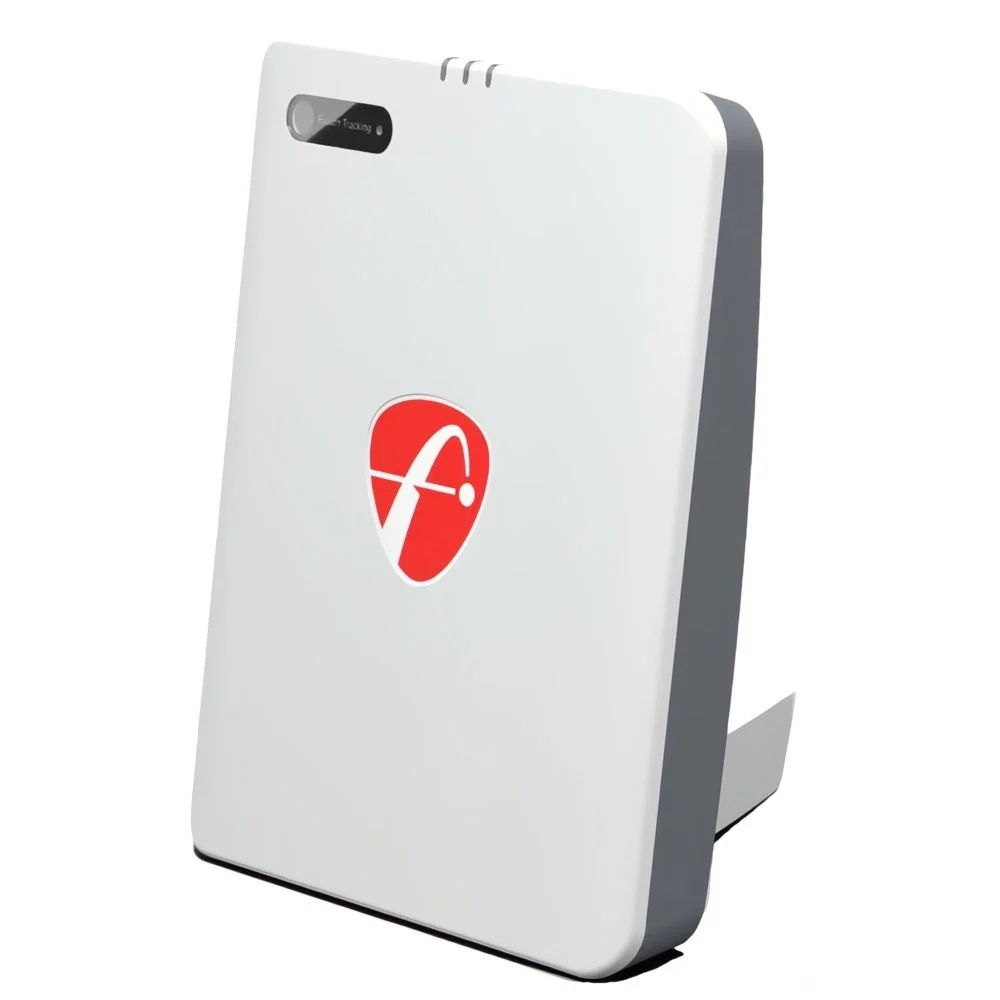
Choose it if you want FlightScope’s radar-plus-image tracking, 18 published parameters and no required subscription, and you have plenty of room depth.
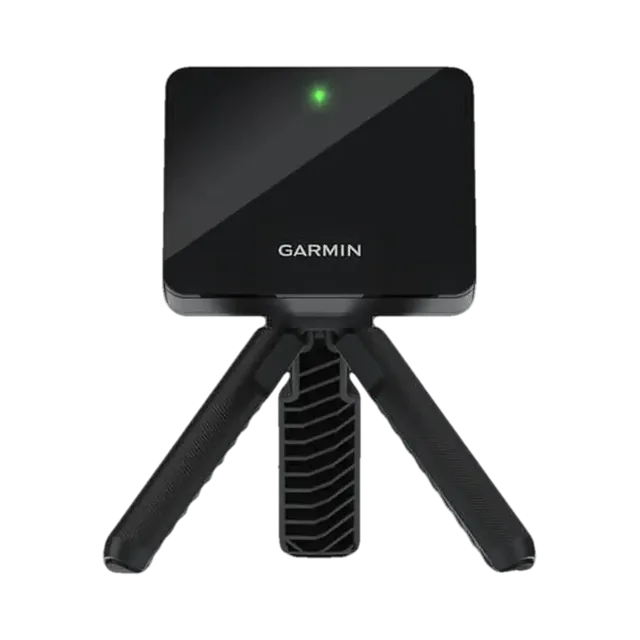
Choose it if you want the cheapest capable route into launch-monitor practice and simulator golf, with a long battery life and a light unit for the range.
Full comparison below. We may earn a commission if you buy through “Check prices”, at no extra cost to you. How our links work.
Side by side
| Decision point | Mevo Gen2 | Garmin R10 |
|---|---|---|
| Current UK price | Check current retailer prices | Check current retailer prices |
| Tracking | 3D Doppler radar + synchronised image processing | Doppler radar; spin and club data partly calculated |
| Published data | 18 parameters (Pro Package adds more club data) | About 14 parameters |
| Placement | About 8 ft behind the ball | 6–8 ft behind the tee, tee at least 8 ft from the net |
| Battery | About 6 hours, USB-C | Up to 10 hours |
| Weight | Check listing | About 148 g |
| Built-in simulator | FS Golf app + 8-course E6 Connect bundle | Garmin Home Tee Hero (needs Garmin Golf membership) |
| Third-party software | GSPro, E6 Connect, Awesome Golf, Creative Golf 3D | GSPro, E6 Connect, Awesome Golf |
| Golf Gear Lab status | Evidence-led assessment | Scored 89/100 (Recommended) |
Golf Gear Lab verdict
Buy the Garmin R10 for value and portability. Choose the Mevo Gen2 if richer data and no subscription justify paying about £750 more, and your room is deep enough.
Check current UK prices
Each button opens our retailer page for that exact model, showing the approved UK retailers that currently list it. You choose where to buy.
Check Garmin R10 pricesCheck Mevo Gen2 pricesWe may earn a commission if you buy through these links, at no extra cost to you. Retailer order does not change our verdict.
Mevo Gen2 or Garmin R10: the practical answer
The R10 is still the sensible first launch monitor for most UK golfers. Move up to the Mevo Gen2 only if you know you want richer data and have a deep room.
What the extra money buys
Both are rear-mounted radar units. The R10 measures core ball and club speed and launch figures and calculates several others, including spin. FlightScope adds synchronised image processing to its radar on the Mevo Gen2 and publishes 18 parameters. An optional Pro Package adds club path and face angle. If you are working on strike and shape with a coach, that matters. If you mainly want carry distances and a round of simulator golf on a winter evening, it matters much less.
Subscriptions
Garmin’s own simulator, Home Tee Hero with more than 43,000 courses, needs a Garmin Golf membership. Check the current UK price in the Garmin Golf app before you buy. You can skip it and run the R10 with third-party software instead. FlightScope says the Mevo Gen2 needs no subscription and includes an 8-course E6 Connect bundle. GSPro is a separate licence for both.
Space
Neither suits a short room. Garmin places the R10 6–8 ft behind the tee, with the tee at least 8 ft from the net, so allow about 14–16 ft. Mevo Gen2 needs a similar minimum, but FlightScope recommends about 13 ft from ball to screen for the best spin readings, which pushes the ideal room towards 21 ft.
Frequently asked questions
Is the Mevo Gen2 worth the extra over the Garmin R10?
If you want more published data and no required subscription, and you have a deep room, it can be. For carry distances and casual simulator golf, the R10 covers most needs for far less money.
Which is more accurate?
We have not yet tested the Mevo Gen2 hands-on, so we do not rank their accuracy. FlightScope combines radar with image processing, while the R10 calculates several values, including spin, from its radar data.
Do both work with GSPro?
Yes. GSPro supports both units, and GSPro is sold separately.
Does the Garmin R10 need a subscription?
Not for basic use or third-party software. Garmin’s Home Tee Hero simulator needs a Garmin Golf membership.
Related reading
Checklist before you choose
The comparison above covers the main differences. Use these checks on your own room, round and budget before ordering.
- Which is better for your practice space?
- What data and feedback does each provide?
- What software or subscriptions are needed?
- What accessories or extra hardware will you need?
- Which works better indoors, outdoors or in a garage?
- What is the realistic first-year and longer-term ownership cost?
- What compromise would make you choose the other model?
What to compare before you choose
| Decision factor | What Golf Gear Lab checks |
|---|---|
| UK price today | Each product card above shows our typical price and the UK retailers we link to. Check the final price with the retailer. |
| Room fit | Check device placement, ball flight and total room depth before buying. |
| Data & feedback | Compare the measurements and practice feedback you will actually use. |
| Software & subscriptions | Include required apps, memberships and simulator software in the decision. |
| Extra equipment | Allow for a phone/tablet, PC, projector, mat, net or screen where applicable. |
| Ownership cost | Compare purchase price plus required extras and recurring costs, not headline price alone. |
| Where it works best | Decide whether your priority is garage, garden room, range, outdoor practice or a full simulator. |
Where live UK retailer data is available, use it for the current-price decision. Recurring or ownership costs are shown only where they materially affect the choice and can be supported reliably.
How we made this comparison
We compare the products against the buying decision on this page, including their intended use, practical setup, ownership costs, current market position and the specifications that can materially change the choice. We cross-check manufacturer claims against independent published testing and practical owner experience where useful, and distinguish published specifications from independently observed findings.
Compare the cost of ownership before buying
Start with the current hardware price, then add three years of any required membership, simulator software, compatible phone or computer, and the room equipment you need. A lower device price does not necessarily mean a lower complete-system cost.
Check which measurements and course-play features work without a subscription, whether the first year is included, and what happens when membership expires. For a simulator, allow separately for the net or screen, mat, projector and safe swing clearance. Confirm compatibility with the exact device and software version before ordering.
Choose the device whose measured data and everyday workflow fit your use: outdoor practice, indoor simulation or on-course distances. Use the full product reviews linked above for the detailed trade-offs, and check the retailer’s returns and warranty terms before committing.
What to compare before you buy
Use the same order for both products: current UK price → subscriptions/software → required accessories → first-year cost → three-year cost → space or setup requirements → everyday use → best suited to. A cheaper product is not automatically the lower-cost choice once recurring fees and missing equipment are included.
How we compare: Golf Gear Lab combines manufacturer specifications and manuals with independent specialist testing, owner experience, software and subscription requirements, and practical UK buying constraints. Affiliate availability does not determine the verdict.